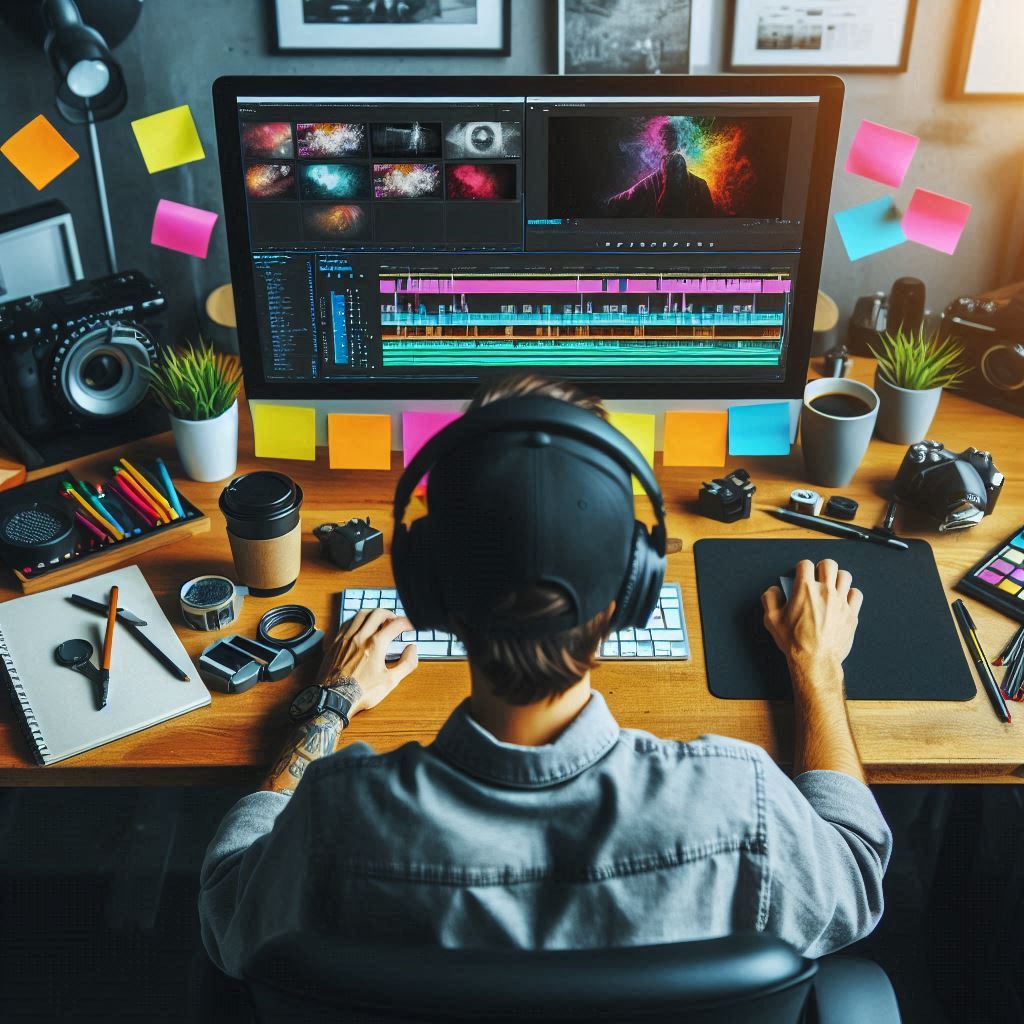
When it comes to video editing, two giants stand tall: Adobe Premiere Pro and DaVinci Resolve. Both are like the Batman and Superman of the editing world—each with their unique superpowers. But which one should you wield for your next cinematic masterpiece? Let’s break it down, and I promise to keep it simple, so even your pet goldfish can understand.
The Premiere Pro Lowdown
Imagine Premiere Pro as the Swiss Army knife of video editing. This software is part of Adobe Creative Cloud, meaning it’s best buddies with Photoshop and After Effects. Need to do some basic cuts? Check. Want to add advanced effects that make Michael Bay jealous? Double check.
Key Features of Premiere Pro
- User-Friendly Interface: If you can operate a TV remote, you can navigate Premiere Pro.
- Seamless Integration: Like peanut butter and jelly, it works smoothly with other Adobe apps.
- Powerful Editing Tools: From multi-cam editing to motion graphics, it’s got the whole shebang.
The DaVinci Resolve Rundown
Now, picture DaVinci Resolve as the Leonardo da Vinci of color grading (pun totally intended). Developed by Blackmagic Design, this tool is the secret weapon of many Hollywood pros. And the best part? There’s a free version that’s packed with goodies, plus a paid Studio version with extra sprinkles.
Key Features of DaVinci Resolve
- Color Grading Mastery: If color grading were an Olympic sport, Resolve would take gold.
- Integrated Workflow: It’s the one-stop-shop for editing, color correction, visual effects, and audio post-production.
- Free Version: Powerful enough to make you question why it’s free. Seriously.
The Showdown: Premiere Pro vs. DaVinci Resolve
Ease of Use
Premiere Pro: Think of it as the friend who’s always easy to hang out with. Its intuitive layout means even your grandma can start editing her cat videos.
DaVinci Resolve: It’s like befriending a tech genius. Brilliant but intimidating at first. Once you get to know it, you realize it’s worth the effort.
Editing and Workflow
Premiere Pro: It’s the jack-of-all-trades. Ideal for everything from TikTok clips to blockbuster movies. Its tight integration with Adobe apps means your project can hop around effortlessly.
DaVinci Resolve: Think of it as the multitasking wizard. Edit, color grade, add visual effects, and mix audio—all without leaving the software. No more switching apps like a channel-surfing maniac.
Color Grading
Premiere Pro: With the Lumetri Color panel, it’s got decent color tools. Good for when you want to add a bit of pizzazz but not quite paint the Mona Lisa.
DaVinci Resolve: The undisputed king of color grading. It’s what Da Vinci himself would use if he were color correcting the Sistine Chapel.
Performance and Stability
Premiere Pro: Sometimes it’s like a toddler on a sugar high—prone to crashes and tantrums, especially with heavy projects.
DaVinci Resolve: Generally more stable, like your calm, collected uncle. Handles high-res footage with grace, but still appreciates a powerful computer.
Cost
Premiere Pro: Subscription-based. It’s like renting an apartment—affordable monthly, but it adds up over time.
DaVinci Resolve: The free version is a mansion you didn’t expect. The Studio version is a one-time purchase, a real estate steal in the editing world.